
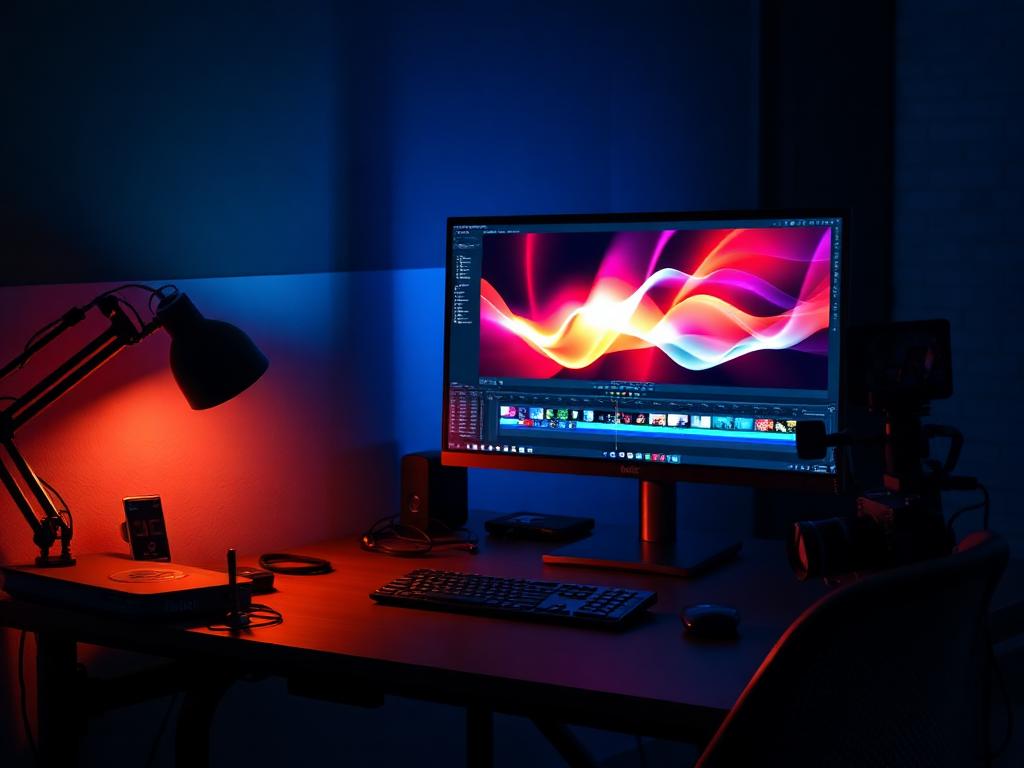
INVESTIGATION DOSSIER
CREATOR PCS
Built for timelines, not loading bars.
Photo, video and design pipelines stress CPU, GPU, RAM and storage simultaneously. We investigate the whole pipeline — scratch disks, GPU acceleration and monitor outputs included.
INVESTIGATE A CREATOR PCWHAT WE INVESTIGATE
- CPU single- and multi-core mix
- GPU acceleration support
- RAM capacity for large projects
- Scratch + project storage layout
- 10-bit / multi-monitor outputs
- Export and render throughput
- Thermals in long exports
- Peripheral and card-reader I/O
COMMON MISTAKES WE CATCH
- One single drive for OS, cache and project files
- 32 GB RAM in a 4K multicam editing workflow
- Ignoring GPU encoder/decoder hardware support
- A showcase case with choked airflow during 3-hour exports
RECOMMENDED CONFIGURATIONS
CREATOR PCS — REFERENCE BUILDS
Photo & Design
Ryzen 7 9700X · 32 GB DDR5 · 2 TB NVMe · RTX 4060
1,200–1,500 credits
Video Creator
Ryzen 9 9900X · 64 GB DDR5 · 4 TB NVMe · RTX 5070
1,900–2,400 credits
Studio Grade
Ryzen 9 9950X · 128 GB DDR5 · 8 TB NVMe · RTX 5080
3,200 credits+
PRIORITY ORDER
- 01 CPU with strong multi-core output
- 02 64 GB RAM for video work
- 03 Separate scratch NVMe
- 04 GPU with hardware encode/decode
- 05 Color-accurate monitor budget
COMPONENTS UNDER REVIEW
Every creator pc investigation inspects these components against the criteria above — then issues a verdict.
ANSWERS ON RECORD
FREQUENTLY ASKED QUESTIONS
Increasingly yes — effects, AI tools, grading and encoding all lean on the GPU. But CPU and RAM still dominate timeline responsiveness.
Ideally three roles: OS/apps, active projects on fast NVMe, and bulk/archive on larger drives. A single 1 TB drive is the most common creator bottleneck we flag.
Sometimes — we investigate the cooling and PSU closely, because long export loads expose weak prebuilt configurations faster than gaming does.