
INVESTIGATION DOSSIER
SIM RACING
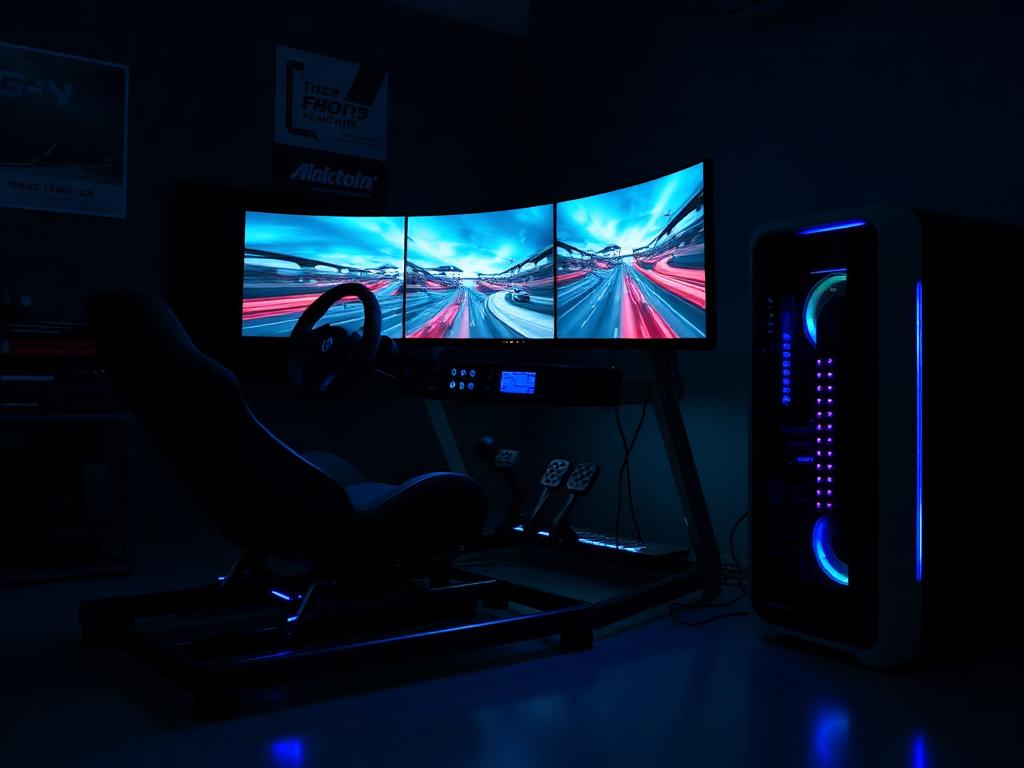
Three screens. Zero stutter.
Sim racing punishes frame-time inconsistency across triples or VR. We investigate sustained GPU delivery, USB topology for wheels and pedals, and the cooling for endurance-length sessions.
INVESTIGATE A SIM RACINGWHAT WE INVESTIGATE
- Triple-monitor / VR render load
- Frame-time consistency signals
- USB bandwidth for wheel + pedals + dash
- GPU output count and versions
- Sustained thermals for endurance races
- Low-latency system tuning headroom
- Upgrade path to VR
- Noise levels next to the rig
COMMON MISTAKES WE CATCH
- Three monitors on a GPU with two modern outputs
- Wheel, pedals, shifter and dash on one overloaded USB controller
- Mid-tier GPU driving 11 million pixels
- A hot-running case strapped inside the rig's frame
RECOMMENDED CONFIGURATIONS
SIM RACING — REFERENCE BUILDS
Single Screen 144Hz
Ryzen 5 7600X · RTX 5060 · 32 GB DDR5
1,000–1,200 credits
Triple 1440p
Ryzen 7 9800X3D · RTX 5070 Ti · 32 GB DDR5
2,200–2,500 credits
VR / Motion Rig
Ryzen 7 9800X3D · RTX 5080 · 64 GB DDR5
2,900 credits+
PRIORITY ORDER
- 01 GPU sized for total pixels
- 02 X3D-class CPU for frame times
- 03 Verified display outputs
- 04 Deliberate USB layout
- 05 Cooling for 3-hour sessions
COMPONENTS UNDER REVIEW
Every sim racing investigation inspects these components against the criteria above — then issues a verdict.
ANSWERS ON RECORD
FREQUENTLY ASKED QUESTIONS
Triple 1440p is roughly 11 megapixels — treat it like 4K+ and budget GPU accordingly. A 5070 Ti class card is the sensible entry point.
VR demands rock-stable frame times at 90Hz+; triples demand raw pixels. Both punish stutter, so we investigate frame-time consistency, not just averages.
Yes — direct-drive wheels are latency-sensitive and power-hungry on USB. We check controller layout so force feedback never stutters.