
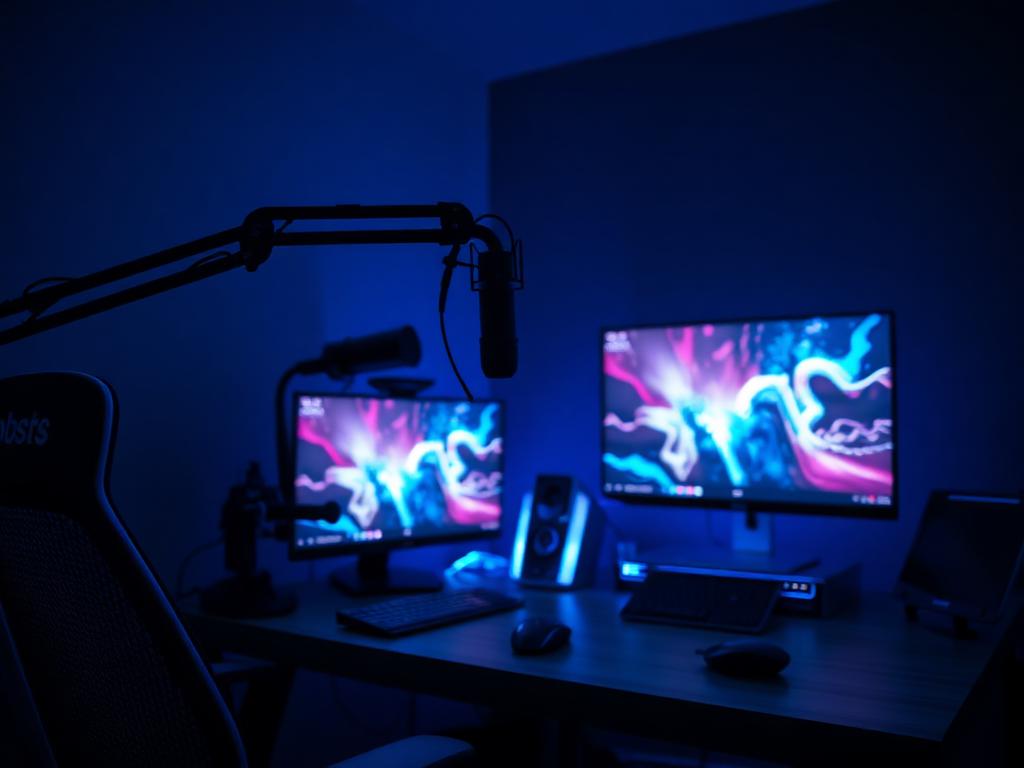
INVESTIGATION DOSSIER
STREAMING PCS
Game and broadcast. One machine, two jobs.
A streaming PC runs the game, the encoder and the broadcast stack at once. We verify the CPU/GPU split, encoder hardware and the headroom that keeps streams stable at peak moments.
INVESTIGATE A STREAMING PCWHAT WE INVESTIGATE
- Hardware encoder availability (NVENC/AMF)
- CPU headroom while gaming
- RAM for the broadcast stack
- Capture card I/O and PCIe lanes
- Network and USB topology
- Thermals in long sessions
- Noise floor near the microphone
- Single vs dual-PC trade-offs
COMMON MISTAKES WE CATCH
- No hardware encoder headroom — the game stutters when the stream starts
- 16 GB RAM shared between game, OBS and browser sources
- A loud air cooler two feet from the microphone
- Cheap motherboard with congested USB for camera, capture and control surfaces
RECOMMENDED CONFIGURATIONS
STREAMING PCS — REFERENCE BUILDS
Starter Stream
Ryzen 5 7600X · RTX 4060 · 32 GB DDR5 · 1 TB NVMe
1,000–1,200 credits
Full-Time Streamer
Core i7-14700K · RTX 5070 · 32 GB DDR5 · 2 TB NVMe
1,700–1,900 credits
Studio Dual-Threat
Ryzen 7 9800X3D · RTX 5070 Ti · 64 GB DDR5
2,300 credits+
PRIORITY ORDER
- 01 GPU with strong hardware encoder
- 02 CPU with spare cores
- 03 32 GB RAM minimum
- 04 Quiet cooling
- 05 Stable networking
COMPONENTS UNDER REVIEW
Every streaming pc investigation inspects these components against the criteria above — then issues a verdict.
ANSWERS ON RECORD
FREQUENTLY ASKED QUESTIONS
A strong single PC with a modern GPU encoder handles most streaming workloads well. Dual-PC only pays off at professional bitrates or CPU-heavy encoding presets.
NVIDIA NVENC and AMD AMF both offload encoding from the CPU. NVENC's AV1 support currently leads for quality-per-bit on major platforms.
Quiet enough to disappear under your noise gate. We flag cooling configurations whose fan curves will ramp audibly mid-stream.