
INVESTIGATION DOSSIER
UPGRADE BUILDS
New life for the tower you own.
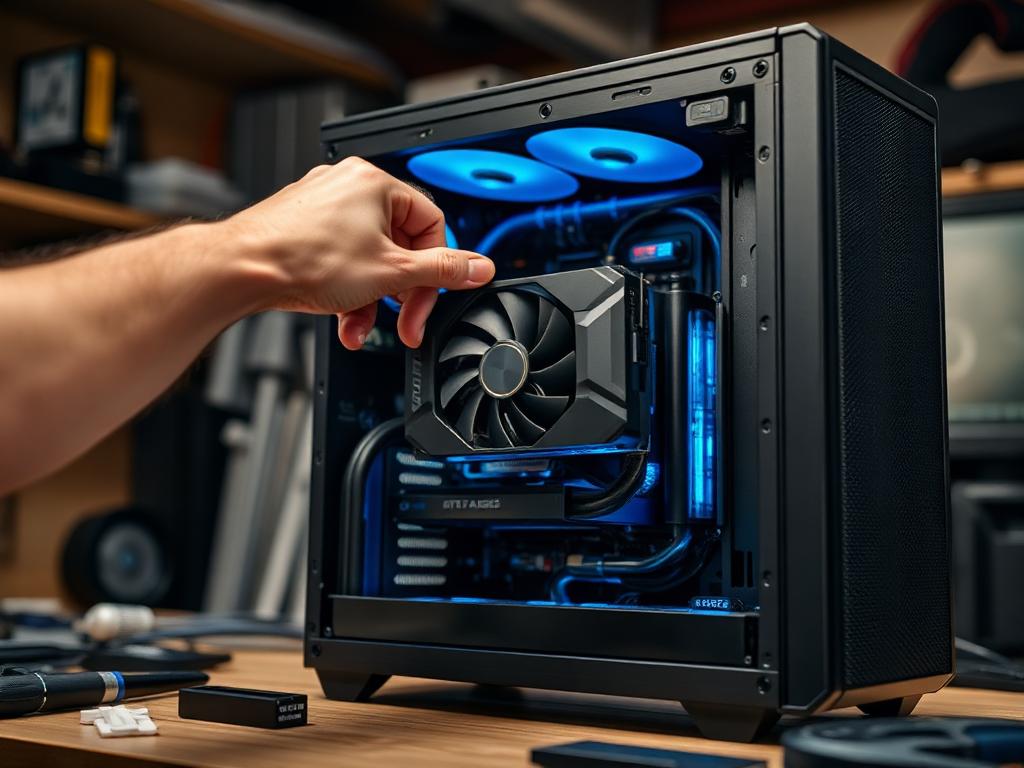
Upgrading is detective work: what does the existing platform still allow, and where does money actually move the needle? We investigate the socket runway, PSU and case before you buy a single part.
INVESTIGATE A UPGRADE BUILDWHAT WE INVESTIGATE
- Socket and chipset upgrade runway
- BIOS support for newer CPUs
- PSU capacity vs planned GPU
- Case clearance for modern cards
- RAM generation constraints
- Bottleneck after each upgrade step
- Reuse vs replace analysis
- Cost of upgrade vs new build
COMMON MISTAKES WE CATCH
- A new GPU throttled by a 6-year-old quad-core
- Forgetting the PSU is 500W and bronze-rated
- DDR4 purchased for a DDR5-only board
- Upgrading into a case the new card doesn't fit
RECOMMENDED CONFIGURATIONS
UPGRADE BUILDS — REFERENCE BUILDS
GPU-Only Boost
Keep platform · RTX 5070 class drop-in
600–750 credits
Platform Refresh
AM5 CPU + board + 32 GB DDR5
650–850 credits
Full Renewal
New platform + GPU, reuse case/drives
1,100–1,400 credits
PRIORITY ORDER
- 01 Identify the true bottleneck first
- 02 Verify PSU before GPU shopping
- 03 Check BIOS/CPU support lists
- 04 Measure case clearance
- 05 Price the upgrade against a new build
COMPONENTS UNDER REVIEW
Every upgrade build investigation inspects these components against the criteria above — then issues a verdict.
ANSWERS ON RECORD
FREQUENTLY ASKED QUESTIONS
If your platform still has a CPU runway and the PSU/case are healthy, upgrading wins. If socket, PSU and case all need replacing, a new build is usually cheaper.
For gaming: GPU first, then platform. For productivity: RAM and storage often move the needle more than people expect.
Maybe — we check its age, wattage and connector set against the new hardware. A tired PSU is the one part we rarely recommend reusing past 7 years.