
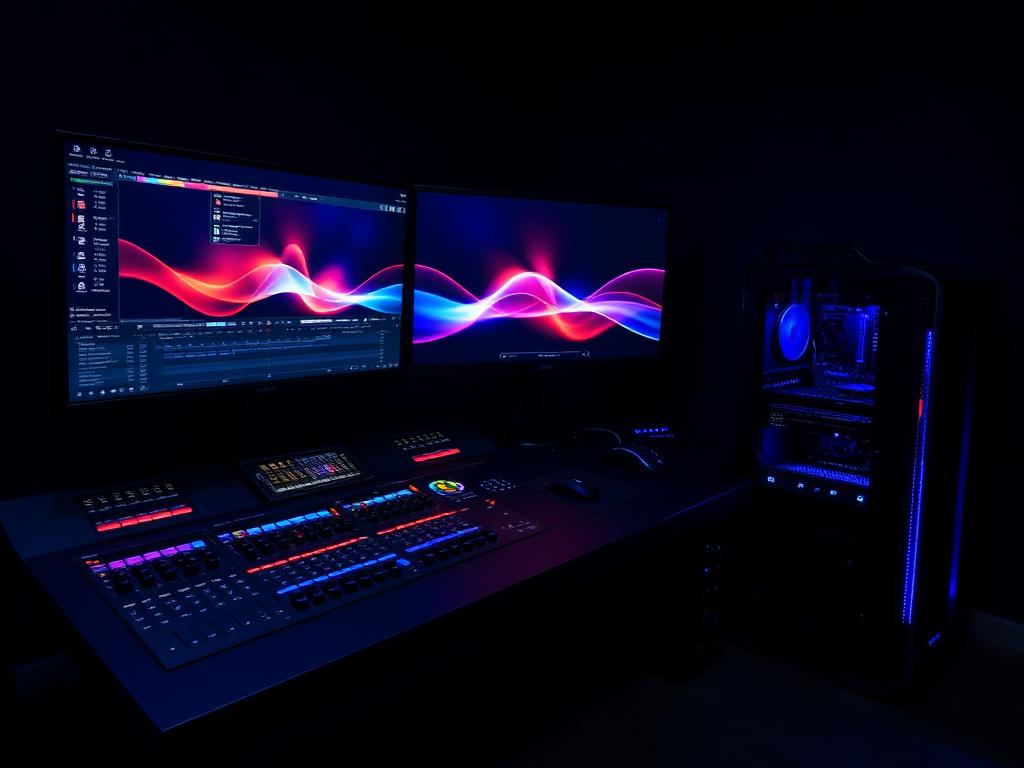
INVESTIGATION DOSSIER
VIDEO EDITING
Scrub, grade, export — no waiting.
Editing performance is a pipeline: decode, effects, grade, encode. We investigate codec hardware support, scratch throughput and sustained export thermals, not just headline specs.
INVESTIGATE A VIDEO EDITINGWHAT WE INVESTIGATE
- Hardware codec decode/encode support
- CPU multi-core export throughput
- GPU effects acceleration
- RAM for multicam timelines
- Dedicated scratch disk speed
- 10-bit color pipeline support
- Sustained-load thermals
- External storage and card I/O
COMMON MISTAKES WE CATCH
- Editing 4K multicam on 16 GB RAM
- No hardware decode for the camera's codec
- Cache and exports fighting on one small SSD
- A case that thermal-throttles 20 minutes into every export
RECOMMENDED CONFIGURATIONS
VIDEO EDITING — REFERENCE BUILDS
1080p Editor
Ryzen 7 9700X · RTX 4060 · 32 GB DDR5 · 2 TB NVMe
1,200–1,400 credits
4K Professional
Ryzen 9 9900X · RTX 5070 · 64 GB DDR5 · 4 TB NVMe
2,000–2,400 credits
8K / RAW Suite
Ryzen 9 9950X · RTX 5080 · 128 GB DDR5 · 8 TB NVMe
3,400 credits+
PRIORITY ORDER
- 01 Codec-matched GPU
- 02 64 GB RAM for 4K work
- 03 Separate scratch NVMe
- 04 Strong multi-core CPU
- 05 Calibrated monitor in budget
COMPONENTS UNDER REVIEW
Every video editing investigation inspects these components against the criteria above — then issues a verdict.
ANSWERS ON RECORD
FREQUENTLY ASKED QUESTIONS
Both, in that order — timeline and exports lean on the CPU, effects and grading on the GPU. Codec hardware blocks on the GPU can matter more than either for scrubbing.
Active projects want 1–2 TB of fast NVMe plus bulk archive. Editing directly from a single small drive is the most common bottleneck we flag.
Often 80% there — but gaming builds skip the RAM, scratch storage and sustained cooling that editing punishes. Our investigation checks the differences.