
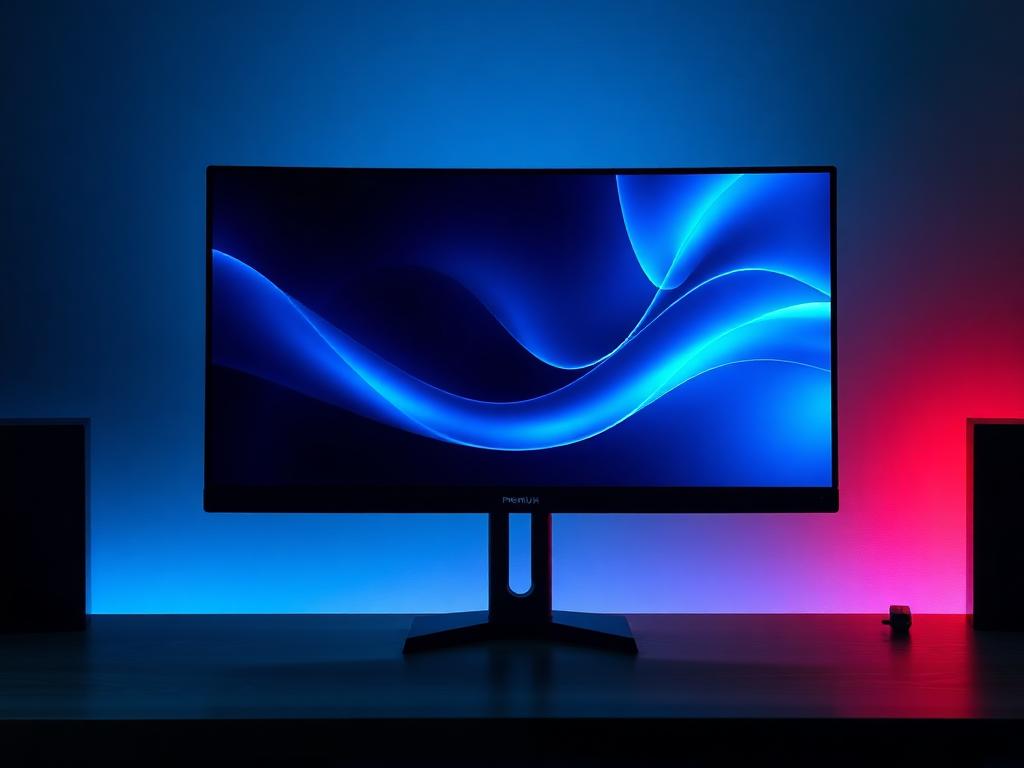
REFERENCE FILE
MONITOR
The part of the PC you actually look at.
The display decides what your hardware investment is worth in pixels and motion. We match resolution and refresh rate to the GPU that must feed them.
WHAT WE CHECK
- Resolution vs GPU tier
- Refresh rate real-world value
- Panel type (IPS/OLED/VA)
- Color coverage for creator work
- Adaptive-sync support
EXAMPLE COMPONENTS
MONITOR — REFERENCE UNITS
Demo reference entries showing how PPHU ABC reads a component: specs, class, value signal, thermal behavior, upgrade position, concerns.
27" 1440p 165Hz IPS
CLASS: GAMING SWEET SPOT · VALUE: STRONG
279 credits
SIZE
27 inch
RESOLUTION
2560×1440
REFRESH
165 Hz
PANEL
Fast IPS
SYNC
Adaptive-Sync
COLOR
≈ 95% DCI-P3
THERMAL NOTE
—
UPGRADE POSITION
Pairs perfectly with RTX 5070 / RX 9070 class GPUs.
CONCERNS
- · IPS glow in dark scenes
- · HDR400 is HDR in name only
32" 4K 144Hz
CLASS: HIGH-END · VALUE: FAIR
699 credits
SIZE
32 inch
RESOLUTION
3840×2160
REFRESH
144 Hz
PANEL
IPS / mini-LED variants
SYNC
Adaptive-Sync
INPUTS
HDMI 2.1 + DP 1.4
THERMAL NOTE
—
UPGRADE POSITION
Demands a 5080-class GPU to be fed properly.
CONCERNS
- · Buying 4K with a 1080p-class GPU
- · 32" 4K needs desk depth
27" 4K 60Hz Creator
CLASS: CREATOR REFERENCE · VALUE: STRONG
429 credits
SIZE
27 inch
RESOLUTION
3840×2160
REFRESH
60 Hz
PANEL
IPS, factory-calibrated
COLOR
99% sRGB / 98% DCI-P3
HUB
USB-C 90W
THERMAL NOTE
—
UPGRADE POSITION
Color accuracy outranks refresh for photo/video work.
CONCERNS
- · 60 Hz is a poor gaming match
- · Verify calibration report per unit