
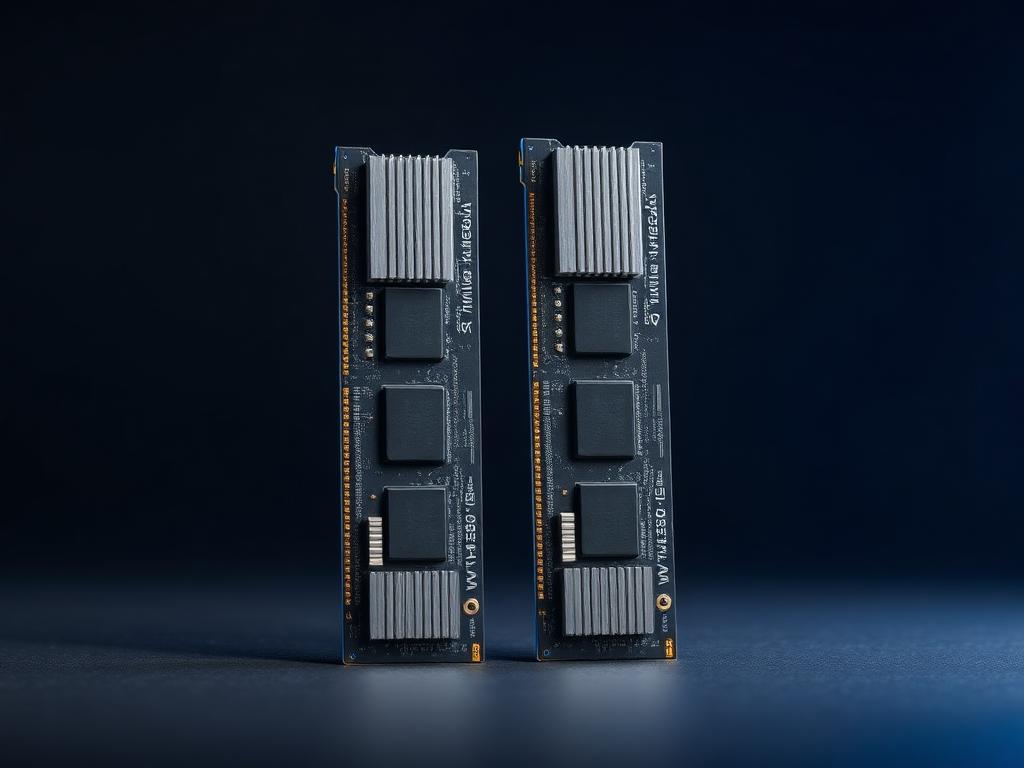
REFERENCE FILE
RAM
Capacity is comfort. Channels are free speed.
Memory mistakes are silent: single-channel layouts and slow kits quietly tax every workload. We check capacity, channels, speed and latencies.
WHAT WE CHECK
- Capacity vs workload floor
- Dual-channel population
- Speed and CAS latency
- EXPO/XMP stability
- Upgrade slots remaining
EXAMPLE COMPONENTS
RAM — REFERENCE UNITS
Demo reference entries showing how PPHU ABC reads a component: specs, class, value signal, thermal behavior, upgrade position, concerns.
32 GB DDR5-6000 (2×16)
CLASS: SWEET SPOT · VALUE: STRONG
109 credits
CAPACITY
32 GB
CONFIGURATION
2× 16 GB dual-channel
SPEED
DDR5-6000
LATENCY
CL30
PROFILE
EXPO / XMP
VOLTAGE
1.35V
THERMAL NOTE
Low heatspreader kits fit under every tower cooler.
UPGRADE POSITION
Two slots free for a move to 64 GB later.
CONCERNS
- · 4-DIMM DDR5 configs can limit speed — populate carefully later
64 GB DDR5-6000 (2×32)
CLASS: PROFESSIONAL · VALUE: STRONG
209 credits
CAPACITY
64 GB
CONFIGURATION
2× 32 GB dual-channel
SPEED
DDR5-6000
LATENCY
CL30
PROFILE
EXPO / XMP
RANK
Dual-rank
THERMAL NOTE
Dual-rank modules run slightly warmer — irrelevant with airflow.
UPGRADE POSITION
The creator / workstation floor for 2026.
CONCERNS
- · Overkill for pure gaming
- · Check QVL on budget boards
16 GB DDR4-3200 (2×8)
CLASS: LEGACY BUDGET · VALUE: FAIR
39 credits
CAPACITY
16 GB
CONFIGURATION
2× 8 GB dual-channel
SPEED
DDR4-3200
LATENCY
CL16
PROFILE
XMP
PLATFORM
AM4 / LGA1700
THERMAL NOTE
Negligible thermals.
UPGRADE POSITION
Only for keeping older platforms alive — not for new builds.
CONCERNS
- · 16 GB is the 2026 floor for gaming
- · No upgrade runway on dead sockets